I think it’s time to let your phone take a long rest, while you consider AR glasses as your daily moving gear. The backlight from mobile phone screens causes more harm to your eyes than these AR glasses would ever do. Oh, it’s even more comfortable to look up and process information on these glasses than on mobile phones, because somehow, they’re smarter.
The Meta Ray-Ban Display is the current trendy AR glasses in the market; it offers the clearest signal yet compared to any other mainstream smart eyewear. From the colors to the display features, FoV, and build, the glasses are way ahead of what you’ve seen on AR glasses before now.
Meta Ray-Ban Display Glasses Overview
The Meta Ray-Ban Display is a smart wearable pair of glasses with a single-lens integrated display and powered by Meta AI services. As a smart AR eyewear, these glasses feature a wrist-worn EMG “Neural Band” for gesture control and upgraded camera and mics. A big turn-off is that they’re heavily dependent on your smartphone to function—can’t we have a “smart” device that doesn’t need to connect to our smartphone first? Well, we haven’t gotten to those heights yet, for now, literally all “smart” gadgets and devices still need to connect to your smartphone, somehow.
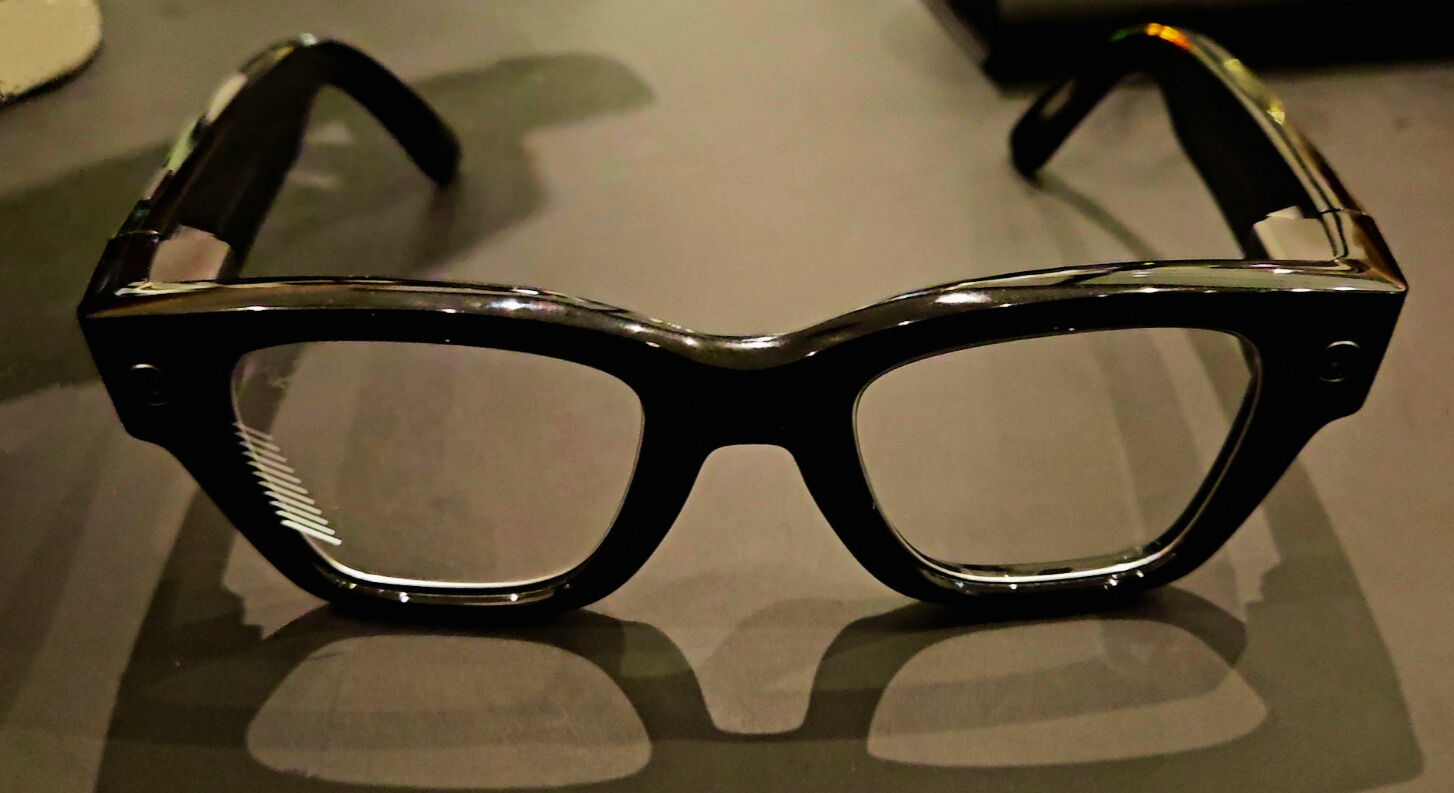
So, the Meta Ray-Ban Display allows you to process live captions, access quick photo previews, get turn-by-turn walking directions via AI, and even see message previews. You control what’s on the glasses display with the “Neural Band” wrist gear, which allows you to select and utilize the display’s features with subtle gestures. But it still got a limited field of view compared to VR headsets, and offers a single-eye (monocular) display.
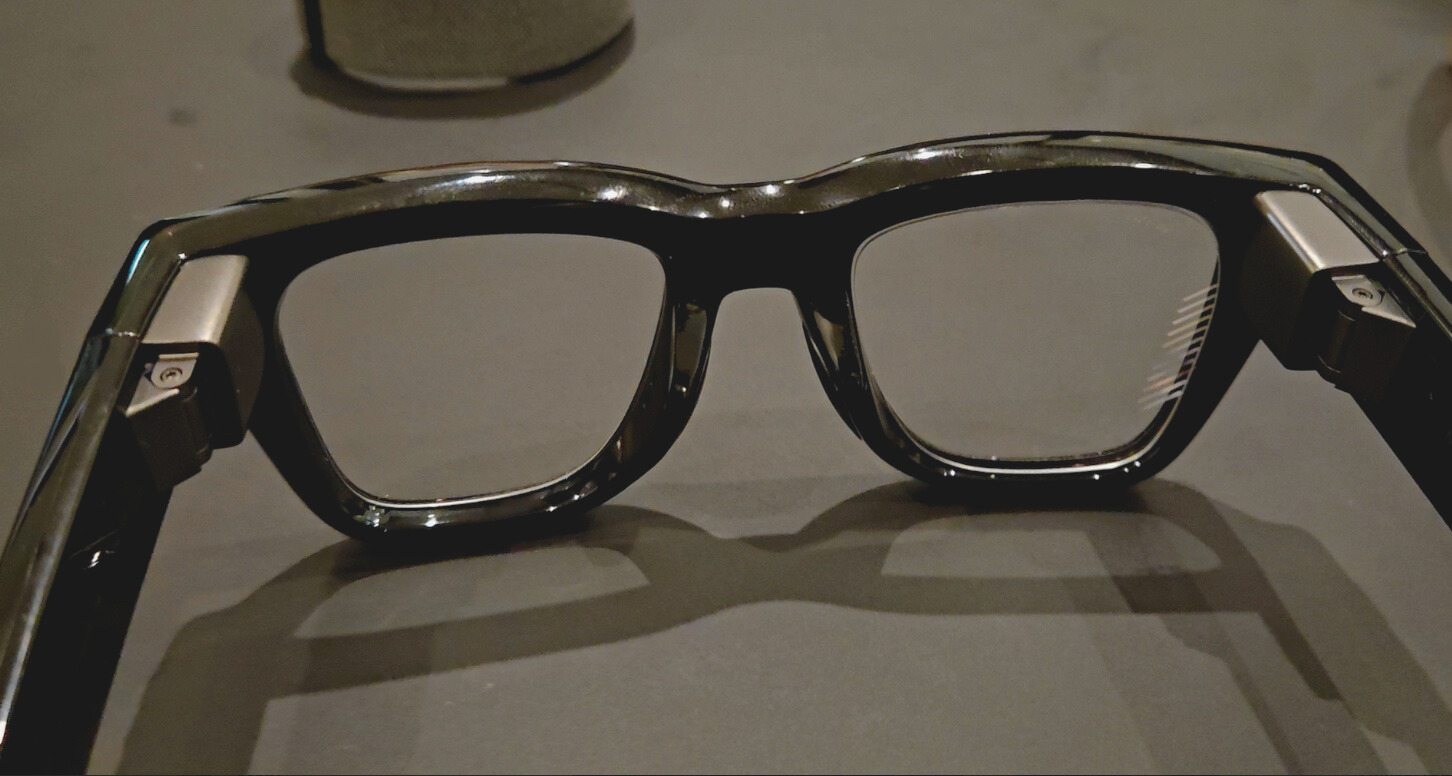
It appears the main target customers of this eyewear are people seeking quick, glanceable overlays and phone-extension functionality rather than true spatial AR (which, at the moment, can only be achieved using full-stack VR/AR headsets). The Meta Ray-Ban Display was released in the U.S. as a premium first-gen device.
Main Specs:
- Display: Monocular, full-color LCOS, 600×600px, 20° diagonal FoV, up to 90Hz refresh rate.
- Peak Brightness: 5000 nits (automatically adjusts)
- Camera: 12MP ultra-wide with roughly 3× zoom, up to 3024×4032px resolution
- Audio: Dual open-ear speakers, 5-mic array plus a contact mic on the nose bridge for voice capture.
- Battery: The glasses stay up to 5 hours per charge, and the Neural Band stays much longer.
- Storage & Connectivity: 32GB onboard storage, Wi-Fi 6, Bluetooth 5.3, iOS/Android compatible.
Pricing, availability & value
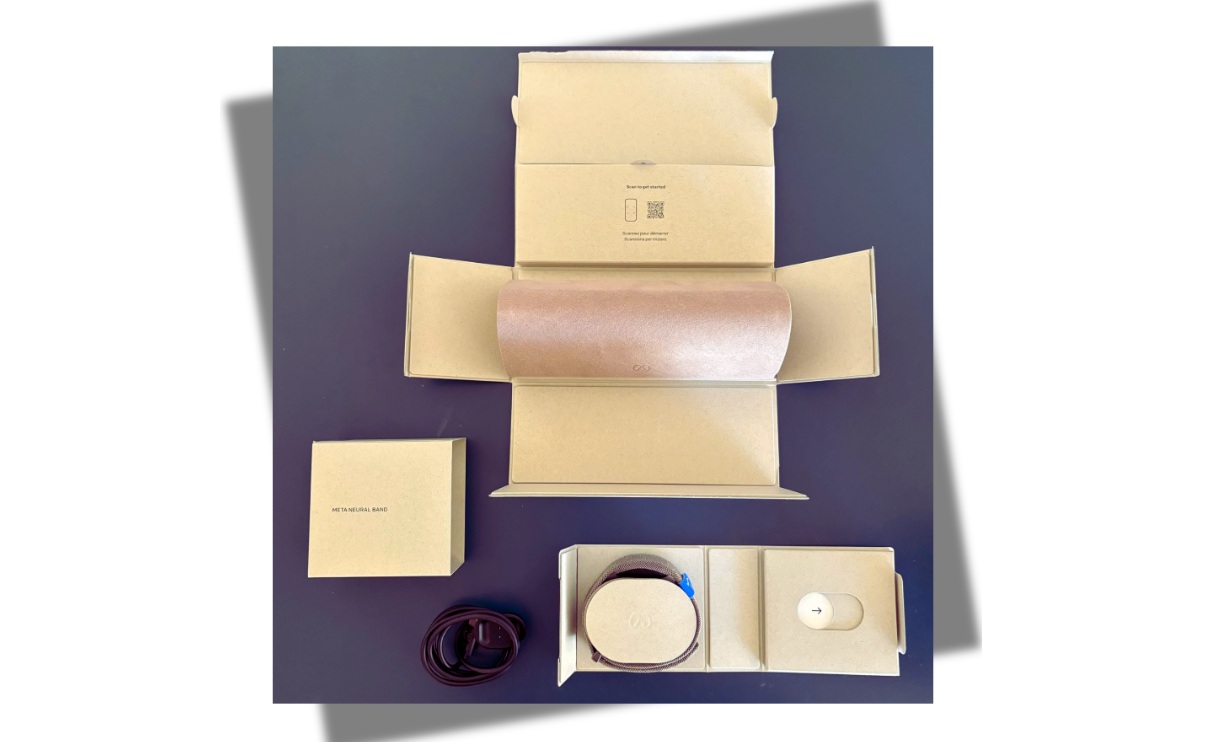
Launched in the U.S. with a starting price around $799, these AR glasses are priced at the premium end for smart eyewear, but the good thing is, inside the pack includes the Neural Band and a charging case, you won’t be buying those separately.
Features Explained
Well, it’s not like the Meta Ray-Ban Display came with a plethora of features, but yeah, it did pack a handful.
Monocular Display
You understand what that means? Right? It means you only get to view content on one eye—your right eye, actually. The single-lens has a fixed HUD that covers around 14o both horizontally and vertically, which translates to 20o diagonal view.
The display is summoned with a gesture; it shows messages, live captions, maps, incoming media previews, and simple app interfaces. Since it is monocular and positioned peripherally, you don’t lose full situational awareness. Yeah, the display acts more like an augmentation for micro-tasks rather than a full AR overlay.
Well, Meta says the device offers 5000nit brightness, but that’s on paper, because in practice, especially when you’re outdoors, the display is limited in direct bright sun. Also, since it uses photochromic lenses, it tints as you’re exposed to the sun.
Neural Band
As you might guess, the Meta Ray-Ban Display can be controlled via Meta AI, using voice prompts, or you can press the button and touchpad on the side of the frame for basic functions like playing or pausing music and taking photos or videos. However, these control methods are quite obvious and can be distracting, which is why the neural band feature is a big deal for most enthusiasts.
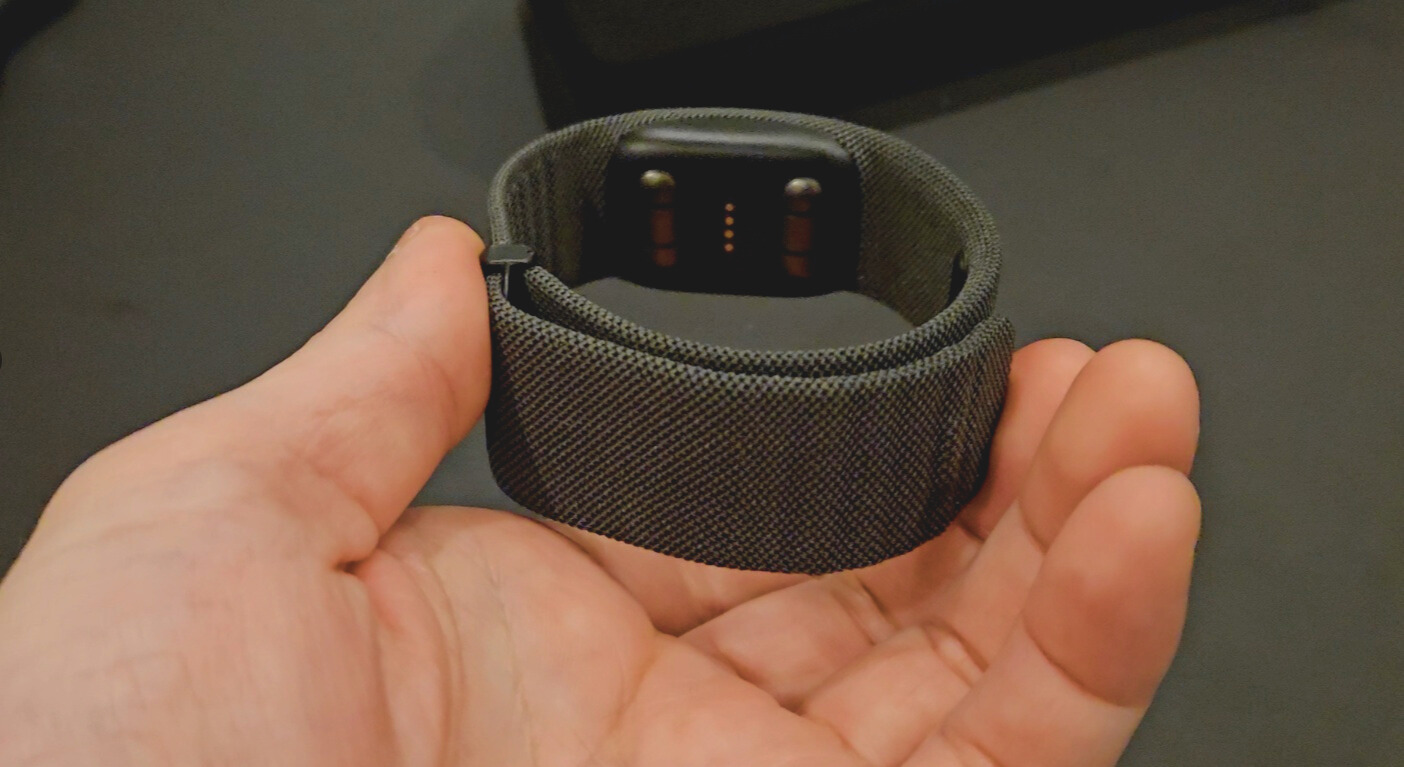
The Meta Neural Band (included in the package) activates by sensing the muscle movements in your wrist, and it is set up to detect five gestures at the moment:
- Thumb to middle finger pinch: Double-tap to toggle the display on/off, single-tap to go back to the system menu or hold for quick shortcuts to the three menu tabs.
- Thumb to index finger pinch: “Click.”
- Thumb to the side of the index finger, double-tap: Invoke Meta AI.
- Thumb swiping against the side of your index finger: Scroll as though you’re using a virtual d-pad.
- Thumb to index finger pinch & twist: Adjust volume or camera zoom, as you would a physical volume knob.
Audio and Visual
Yeah, photo and short video capture are significantly improved compared to other Ray-Ban Meta models; the preview window on the glasses makes framing faster. This AR glass comes with a 5-mic array plus open-ear audio for phone calls and voice commands, suitable for walk-and-talk moments. However, the camera light is quite visible and may notify others when in use.
Things to Love
- The one-sided display is actually a good one, and the information shown is useful: translations, walking directions, message previews, etc.
- Works as an extension of your phone to make you not need to always bring out your device in public.
- Decent audio and fast gesture response.
Some Stuff You May Not Love
- You may not particularly love the monocular display and limited FOV; the one-sided display may cause strain over time.
- The Meta Ray-Ban Display is a bit heavier and chunkier than standard prescription frames.
- Heavily constrained to Meta account requirements.
How it stacks up against alternatives
Compared to the Ray-Ban Meta (Gen 1/Gen 2), the Meta Ray-Ban Display is costlier and better. But compared with the XREAL / Nreal Air (XREAL Air), you will find the Meta Ray-Ban Display wanting in some areas, even with the higher price tag.
Apparently, the Meta Ray-Ban Display isn’t a VR headset, so comparing it with the Apple Vision Pro is odd and off. But yeah, compared with the Meta Quest headsets, which offer much more, the Meta Ray-Ban Display is just an expensive piece with features that are not yet fully matured.
Quick Specifictions
| Feature | Specification |
| Display | Monocular LCoS, 600×600px, 90Hz |
| Brightness | Up to 5,000 nits |
| Field of View | 20° Diagonal |
| Camera | 12MP Ultra-wide (3x digital zoom) |
| Battery | ~6 hours (Glasses) / 18 hours (Neural Band) |
| Price | $799 (Includes Neural Band) |
Meta Ray-Ban Display Review
Meta Ray-Ban Display glasses are a huge breakthrough for AR glasses, however, it still needs a little touchups in some areas: the camera needs to be more discreet and the display should at least darken when in use, so the other persons looking at you won’t figure out that, actually, you’re not looking at them but looking at what’s on your AR display. But then, overall, this is good stuff, and if you don’t mind the price, it’s a good buy!